Left the meeting?
Record what you agreed.
Open the client file on the phone, add your note, and set the next follow-up. What you heard in the visit is there when you return to the file.
Try a client follow-up


The last call, what you agreed, who follows up, and when. Deexe keeps the relationship on the client file, so the next conversation continues from where you left off.
Open the client file on the phone, add your note, and set the next follow-up. What you heard in the visit is there when you return to the file.
Try a client follow-up
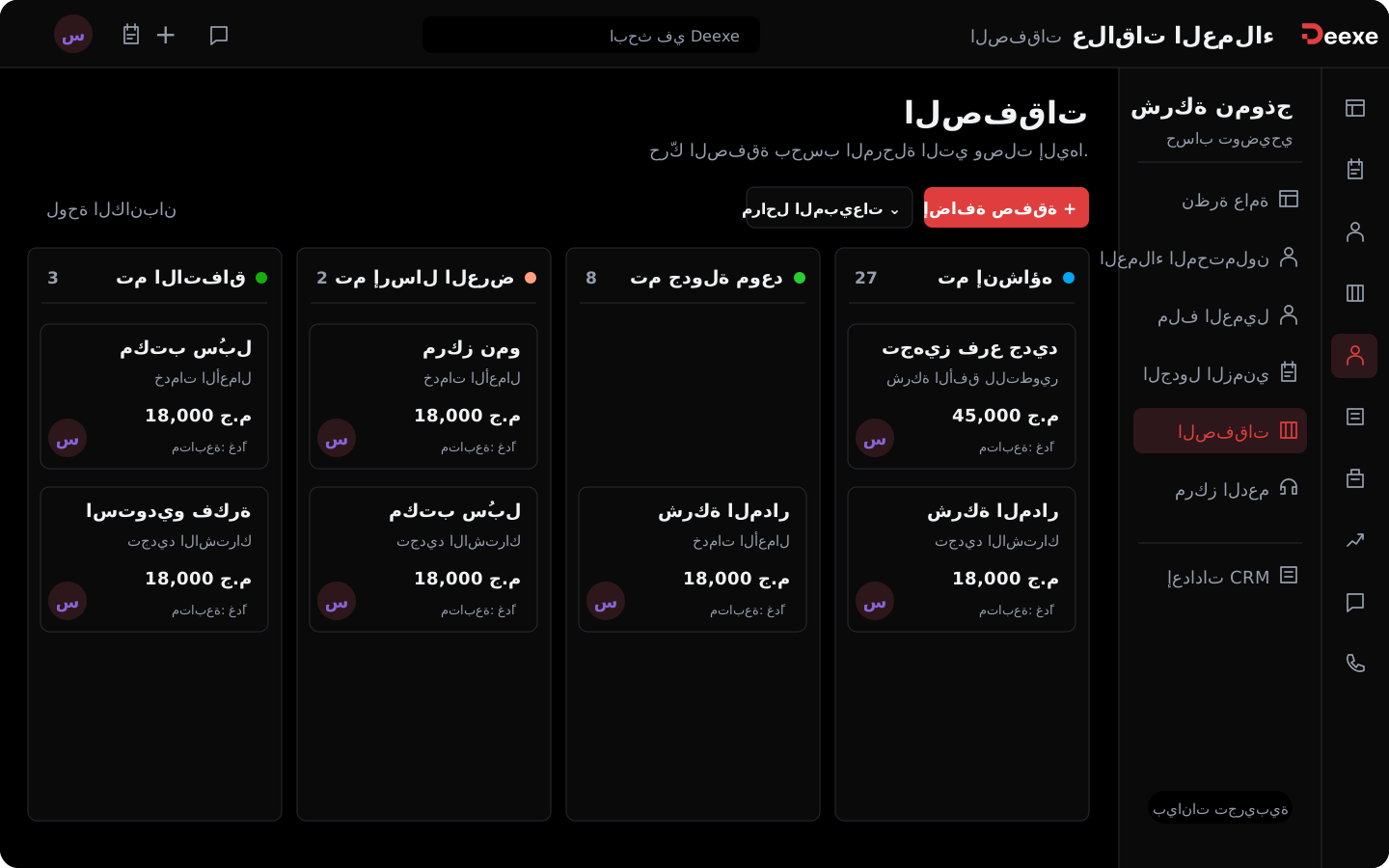
Calls, notes, and follow-ups sit on the client record. Review what was asked and what was sent, then continue without asking them to repeat the story.
See the client file
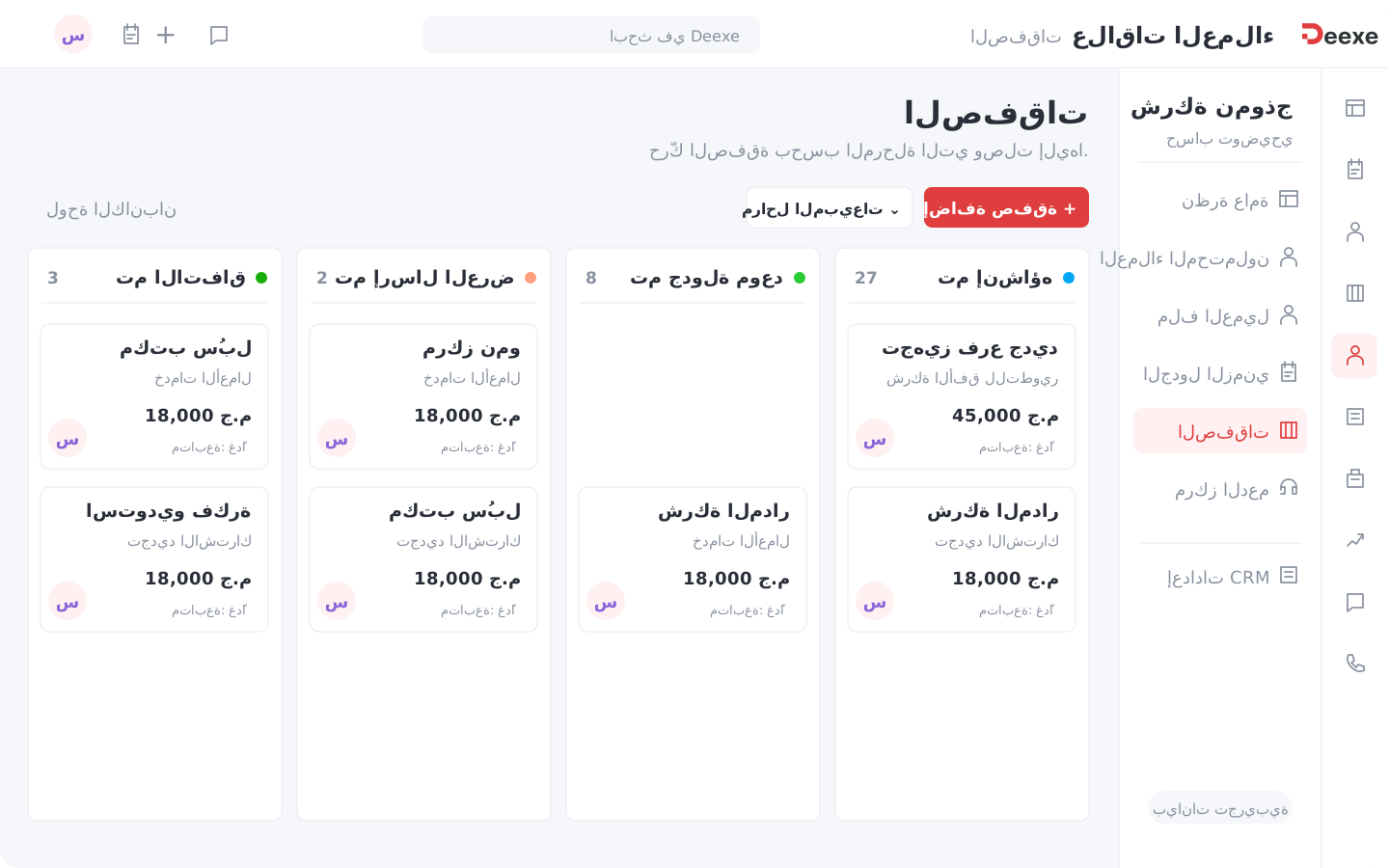
Link the deal to the client, and set its owner and status. Review where it stands before the next call, and keep open opportunities apart from deals that closed.
See deal managementRecord the opportunity, follow the conversation, and keep the agreement details. Each tool has a role in the sales and support day.
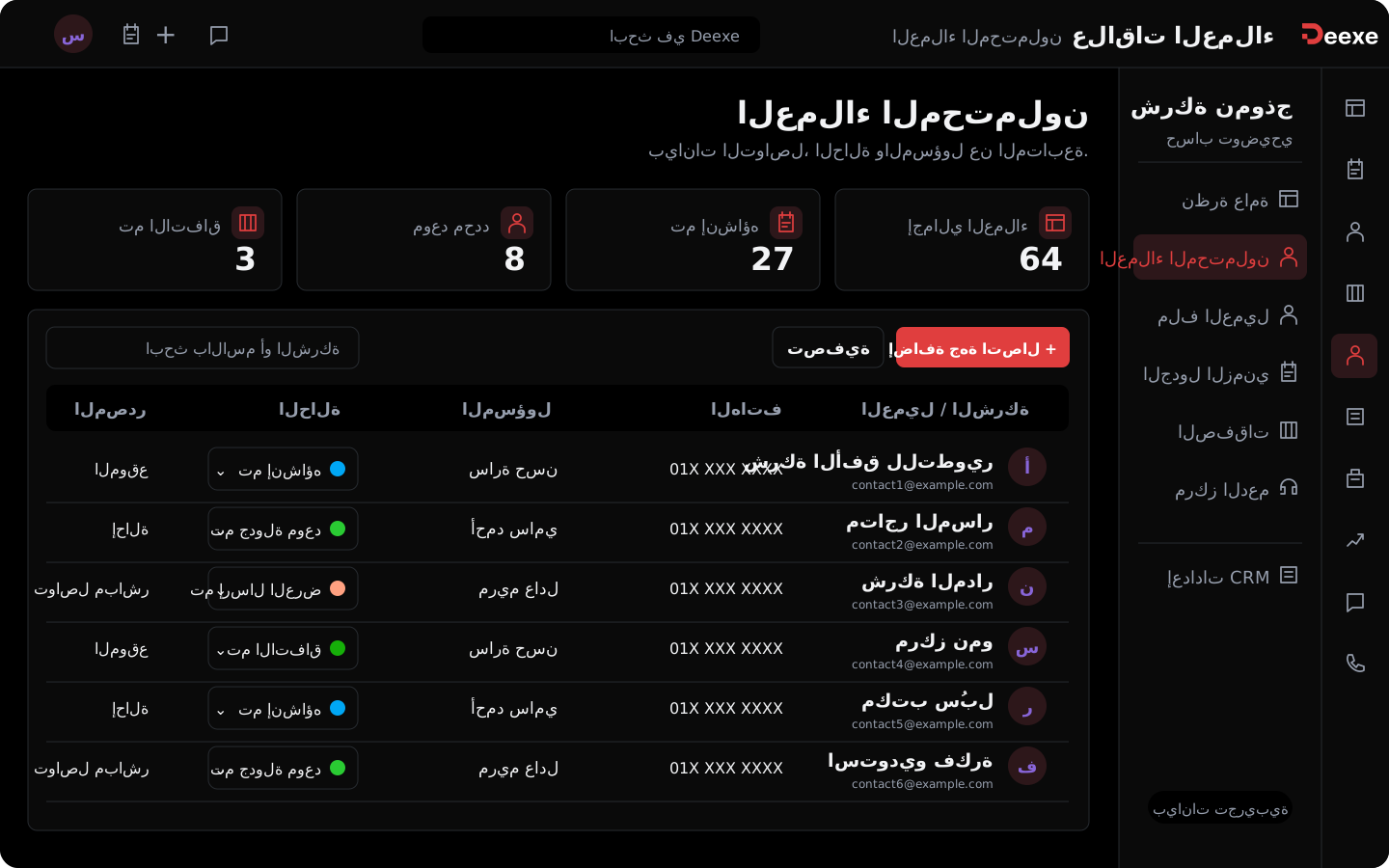
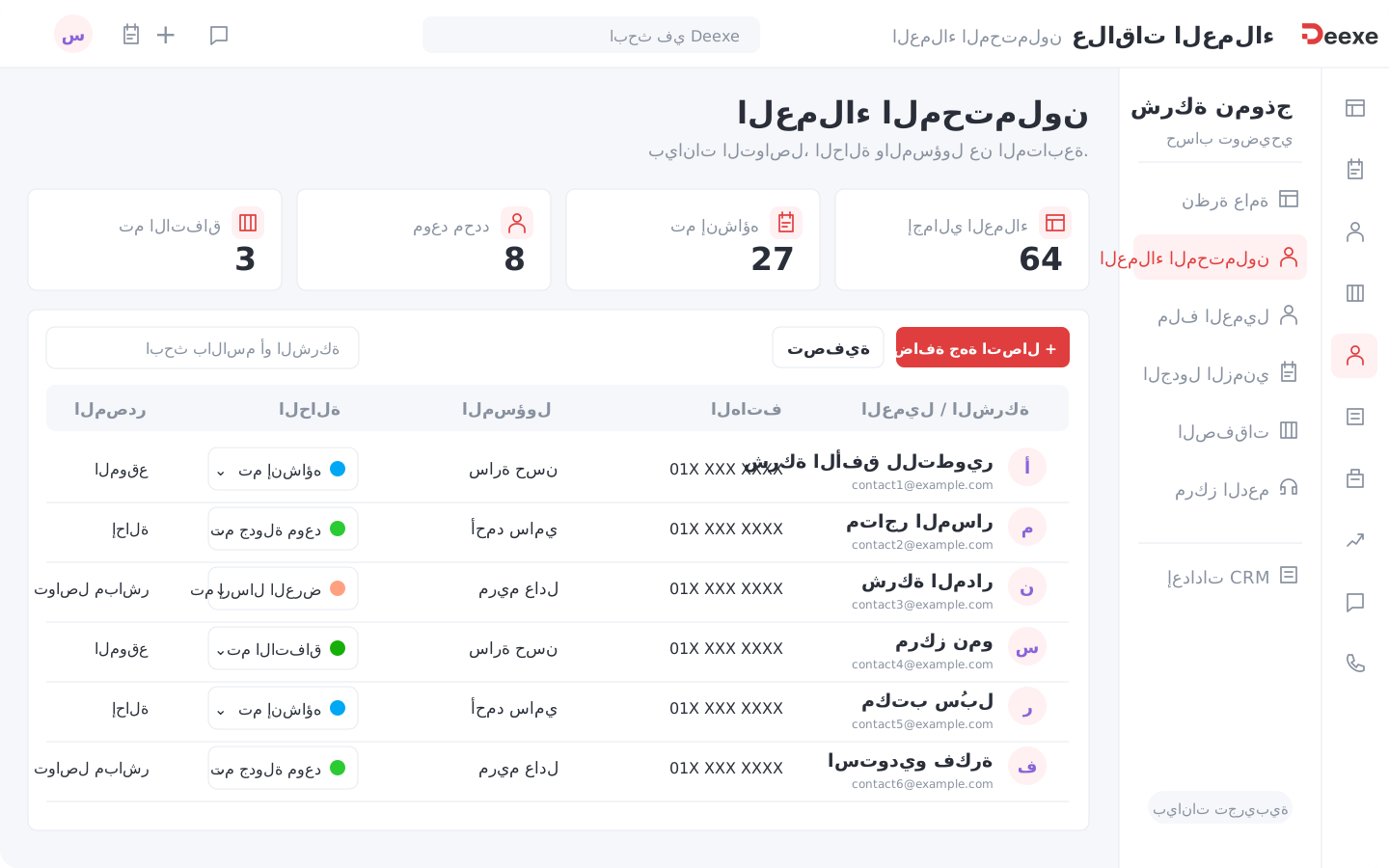
Collect new opportunities with source, status, and owner, then return to the record you need with search and filters.
Company details, contact methods, relationship history, and linked deals in a file the team can return to.
Record the call result and what the client asked for, and add notes the next person can use.
Set when to return to the client and why. Review pending follow-ups instead of relying on memory.
Assign an owner for follow-up, and decide who handles each opportunity. The new owner can review the record before they reach out.
Create a deal linked to the client, and follow its status and owner as the discussion moves forward.
Record the client request and follow its status with the support team, so it does not stay a message that is hard to find later.
Automatic periodic reports and notifications for follow-up, results, and the improvements the team and management need.
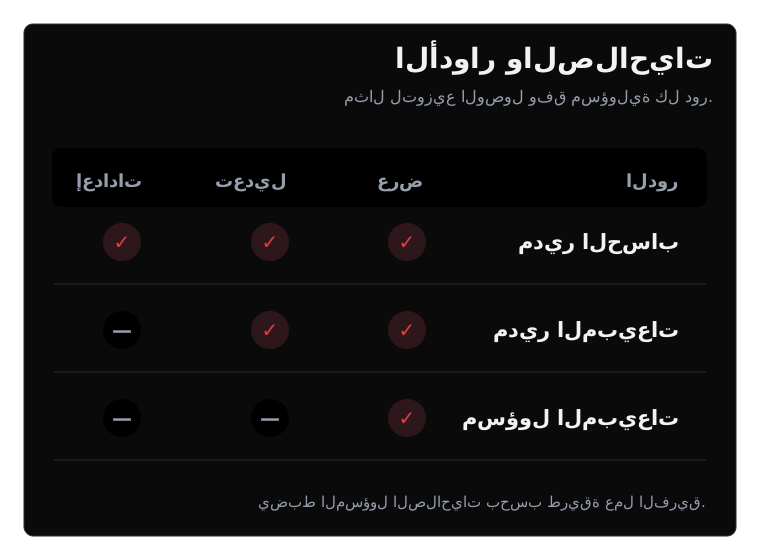
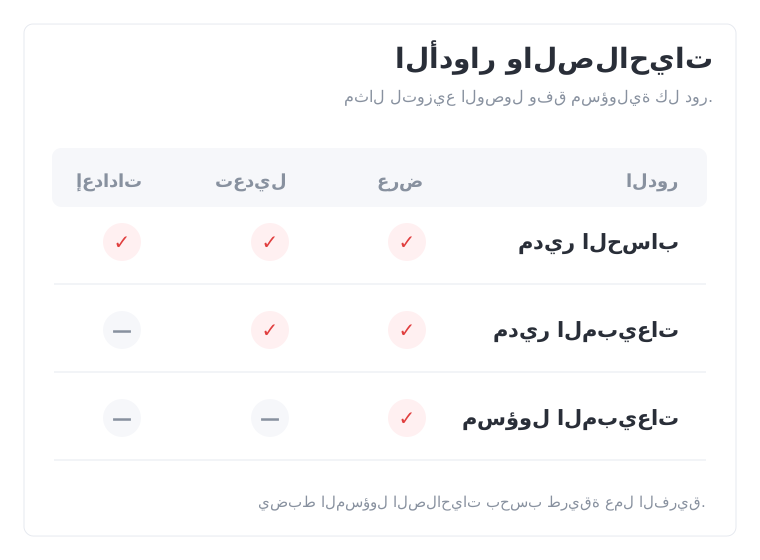
Set the team definitions and what is recorded on each file, so statuses, sources, and owners mean the same thing to everyone.
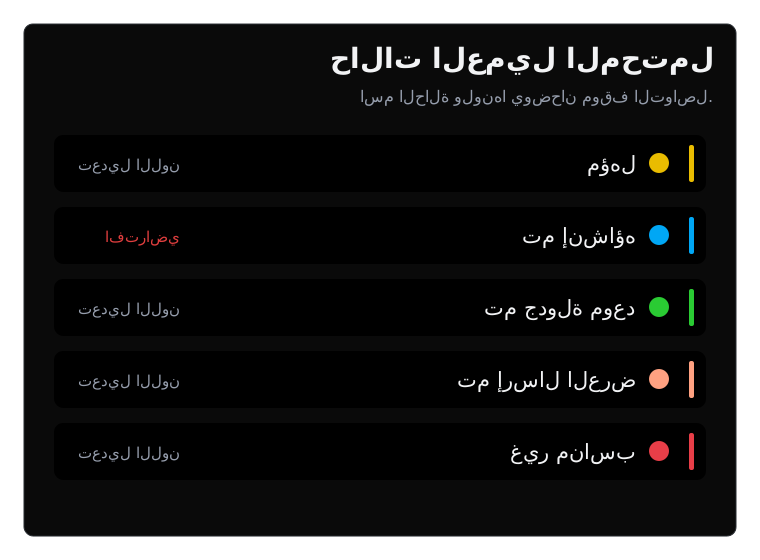
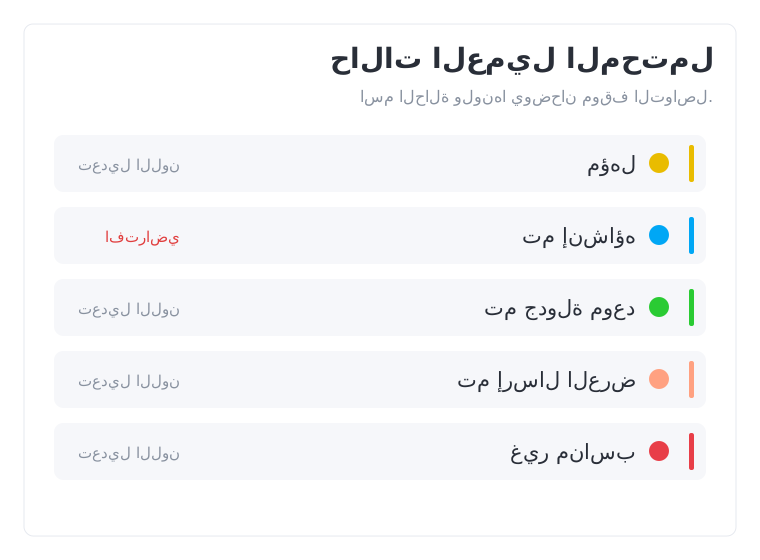
Set statuses that match a team decision: new, qualified, appointment set, or not a fit. Write when a record moves from one status to another.
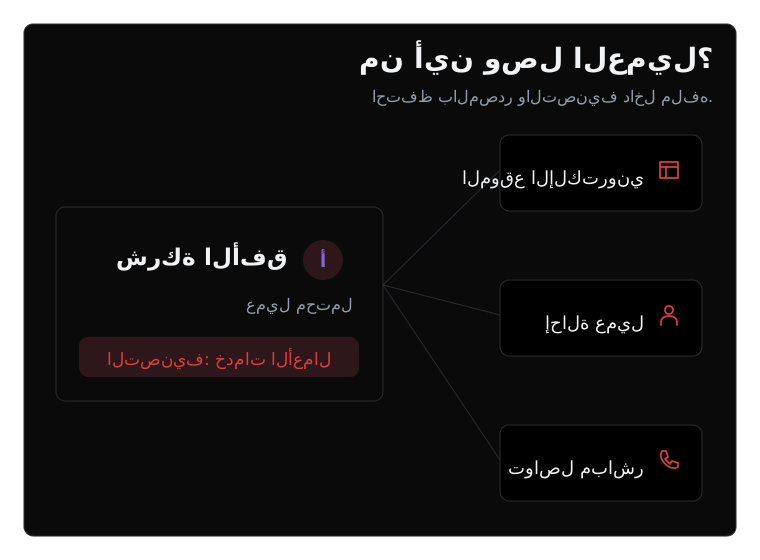
Prepare the sources and categories that fit your work. Record the source of each opportunity so you can return to its context.
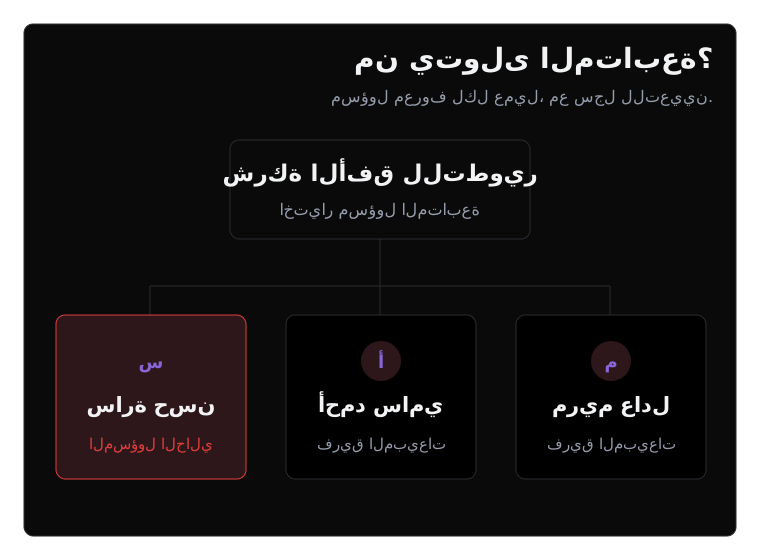
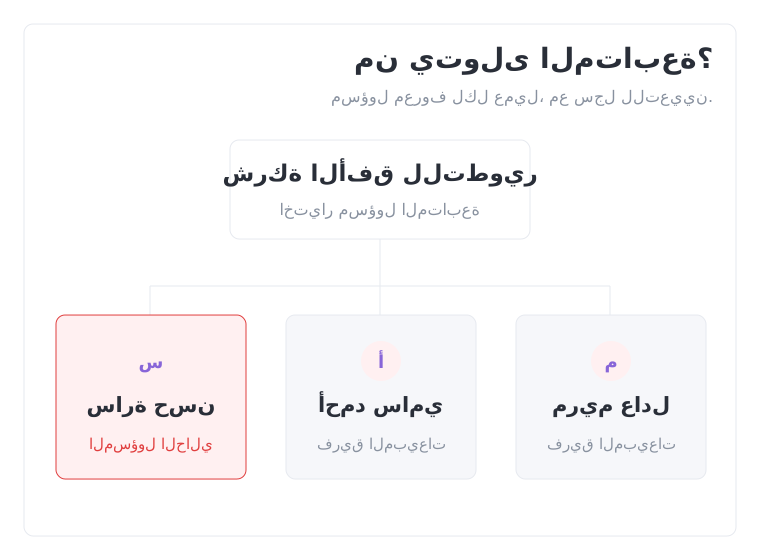
Agree how clients are assigned, and who takes over when a file moves to a colleague. Set the owner on the record.
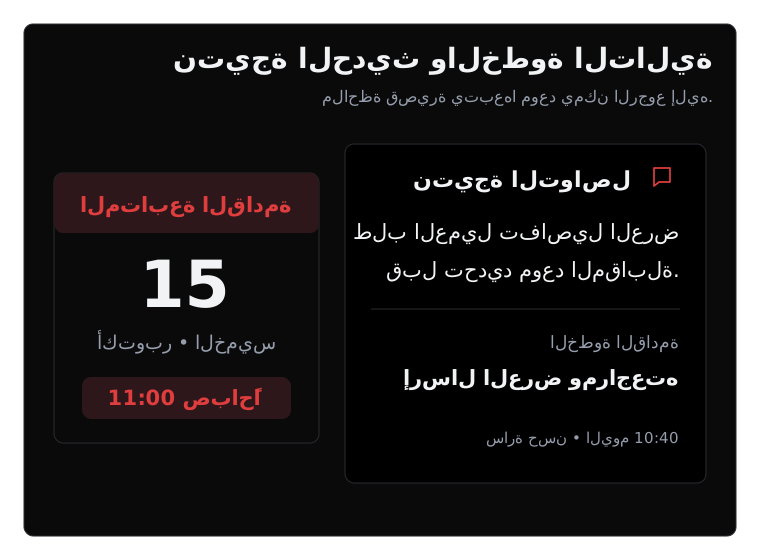
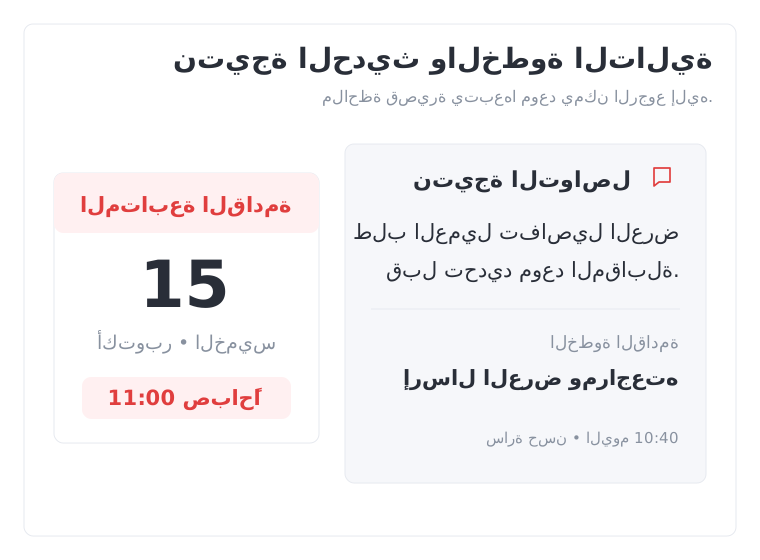
Agree to write a short result after the call: what is needed, what you will do, and when you will return to the client.
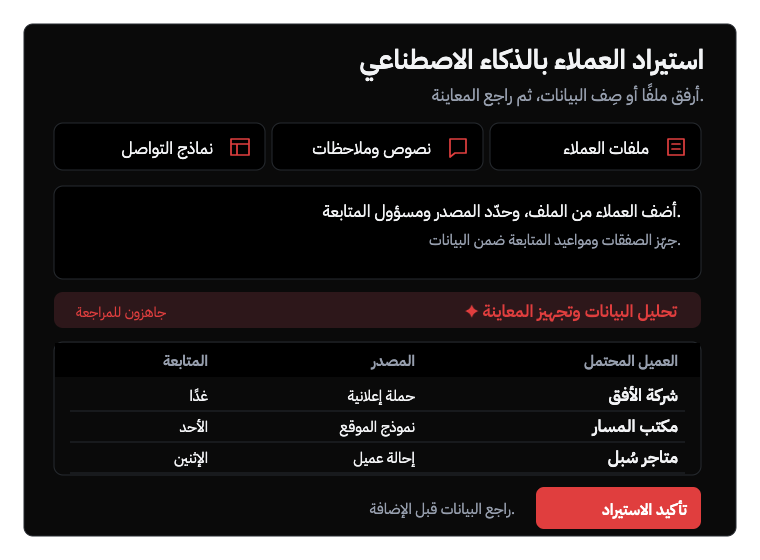
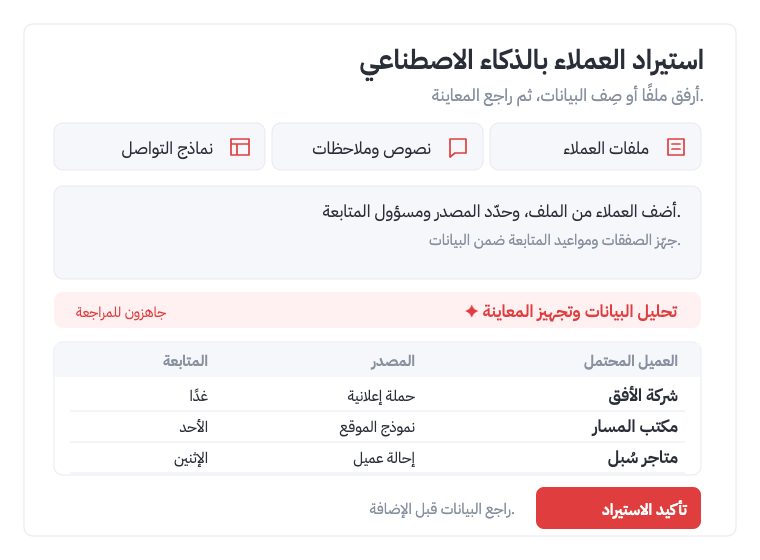
Receive leads automatically from several sources, or upload your files and let AI analyze the data and prepare clients, deals, and follow-ups. Review the preview, then add them.
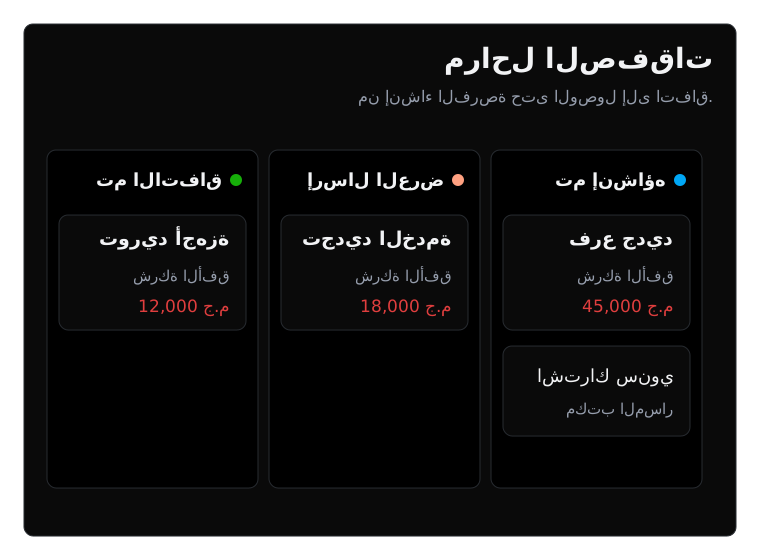
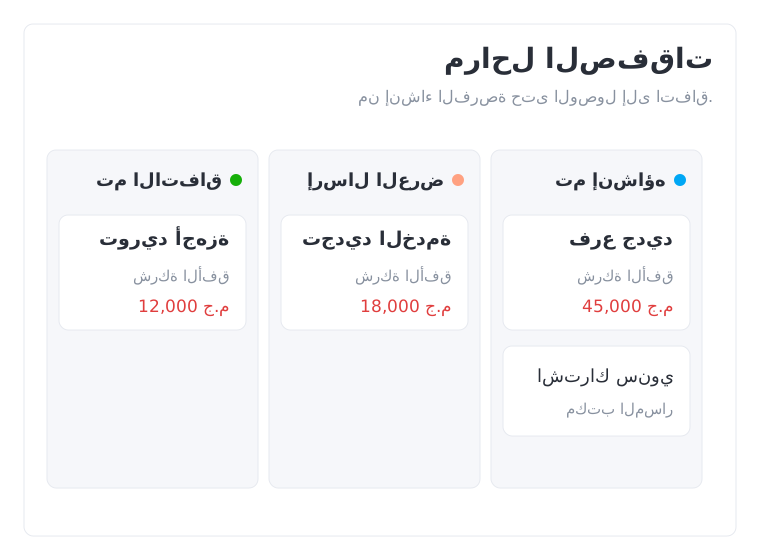
Set deal stages that match how you sell, and keep a discussion in progress apart from a deal that already closed.
A call, a new date, or a file handed to a colleague. Day-to-day sales examples show where the details are kept.
Write what the client asked before the next call takes over.
Record the follow-up time and topic on the client file.
Assign the colleague who will continue, and let them start from the previous record.
Review the opportunity status before you choose the next step.
Record the client request and review its status with the support team.
Continue the client journey with the rest of Deexe: a proposal or quote, an invoice, a project, or a booking. Turn on the modules that fit your plan and permissions.
Reviews the client file, records the conversation, and sets the next follow-up from the office or the phone.
Follows assignment, recorded activity, and deal statuses, and reviews with the team what needs attention.
Returns to the client details and requests, and follows request status within their permissions.
Reach us on email, phone, or WhatsApp.
Share your details and we will set up a demo with you.